
Holo AI Review: A Closer Look at AI Video for Shopify and Ecommerce Creatives
We tested Holo AI for Shopify creatives, TikTok-style product videos, and ecommerce ad workflows to understand where it performs well — and where it still feels limited. This review is based on hands-on use of the platform, not marketing material.
What is Holo AI?
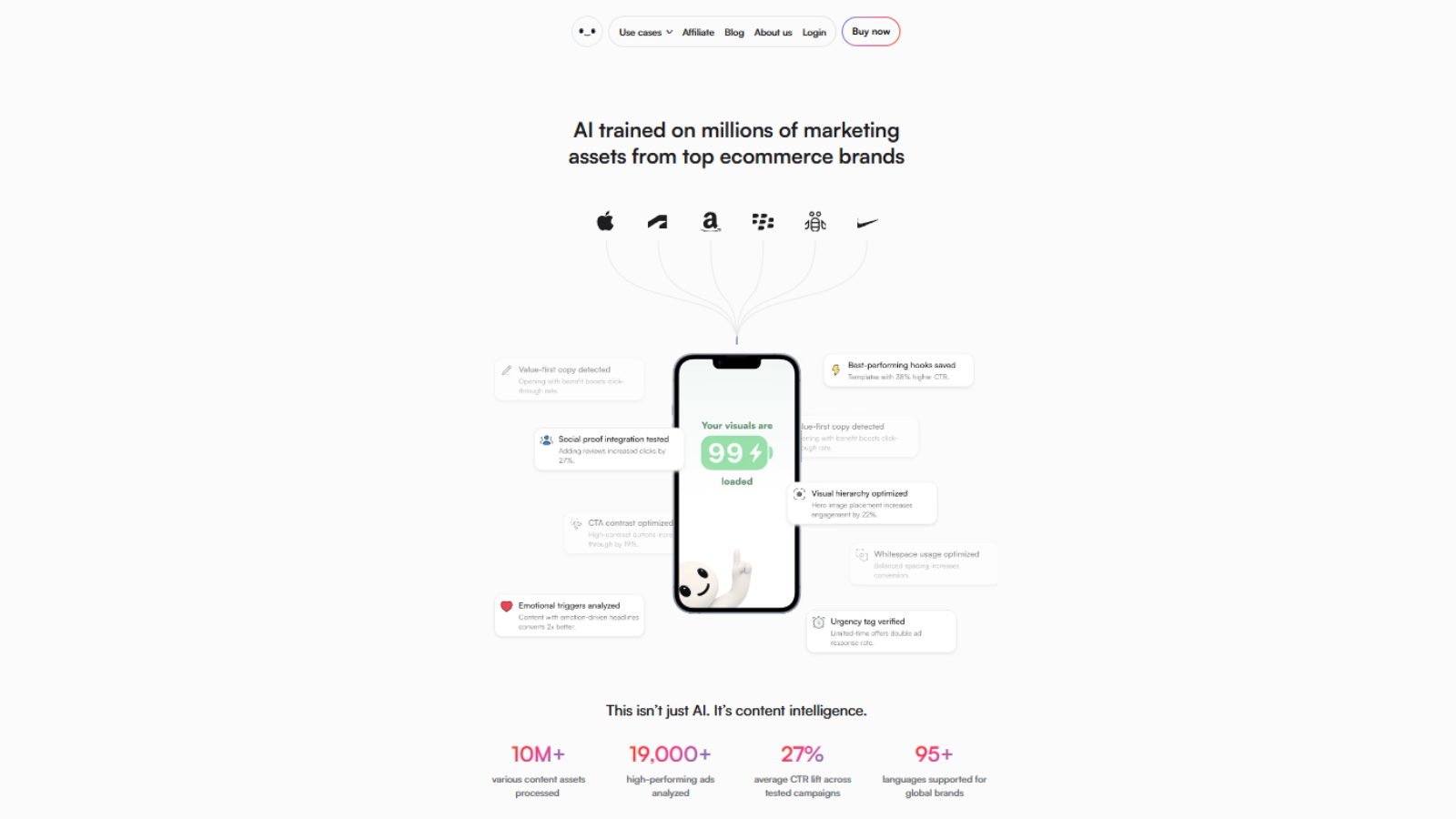
Holo AI is an AI-assisted video creation platform aimed at ecommerce brands, Shopify merchants, and small marketing teams who need to produce short-form product videos without booking a creative agency or building an in-house editing team.
The platform sits in a growing category of "AI ad creative" tools — alongside names like Pictory, InVideo, and Canva's video editor — but Holo AI leans more specifically toward the ecommerce angle: product-led templates, ad-shaped outputs (9:16, 1:1, 4:5), and workflows designed around scaling creatives rather than producing one-off marketing videos.
In practice, most teams use Holo AI for three things: generating fresh TikTok-style ad variants, producing simple Shopify product showcase videos, and creating quick UGC-styled clips when filming live content isn't realistic. It is not a full replacement for a video editor like CapCut or Premiere — and it doesn't try to be.
Our testing experience
Our editorial team used Holo AI across roughly two weeks of hands-on testing, focusing on the workflows a typical Shopify operator would actually run: generating product ads from a store URL, iterating on ad variants, and exporting in formats sized for Meta and TikTok.
Onboarding and dashboard
Onboarding is short. The dashboard is uncluttered, and the path from "create" to "export" is direct enough that we didn't need documentation to ship a first video. For a tool in this category, that's a good sign — many AI video platforms still over-engineer the editor.
Template quality
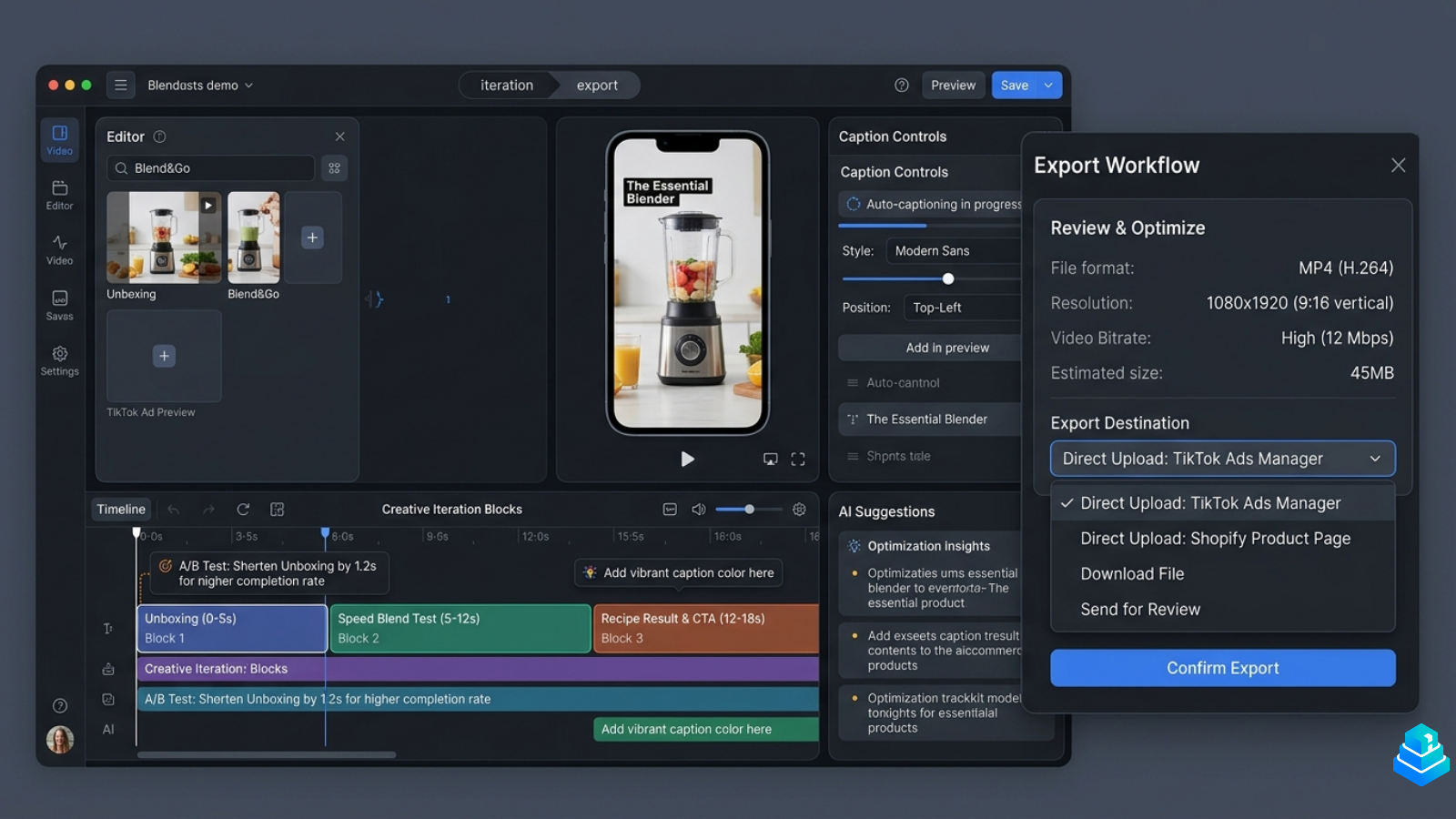
Templates are the strongest part of the product. They feel built by people who have watched a lot of ecommerce ads — pacing, hooks, captions, and product framing land closer to what's actually performing on TikTok than the generic "stock motion" templates you find in most AI video tools.
Editing flexibility
Editing is intentionally simplified. You can change copy, swap product shots, adjust pacing, and tweak captions, but you won't be doing frame-by-frame keyframing here. For most ecommerce teams, that trade-off is acceptable. For creative directors used to a real timeline editor, it can feel restrictive.
Export quality and speed
Exports are clean, and rendering is fast enough that iterating on multiple variants in one sitting is realistic. Output quality is solid for paid social — comparable to what a junior editor would produce in CapCut, with less time spent on setup.
Where it still feels limited
Holo AI is not the right tool if you need fine-grained creative control, advanced motion graphics, or character-level animation. Voiceover quality is improving but still recognizably synthetic in some accents, and the template library, while focused, is smaller than what a generalist editor offers.
“Holo AI is built around a question most ad teams already ask weekly: how do we ship the next variant faster, without lowering the floor on quality?”
Key features
AI video generation
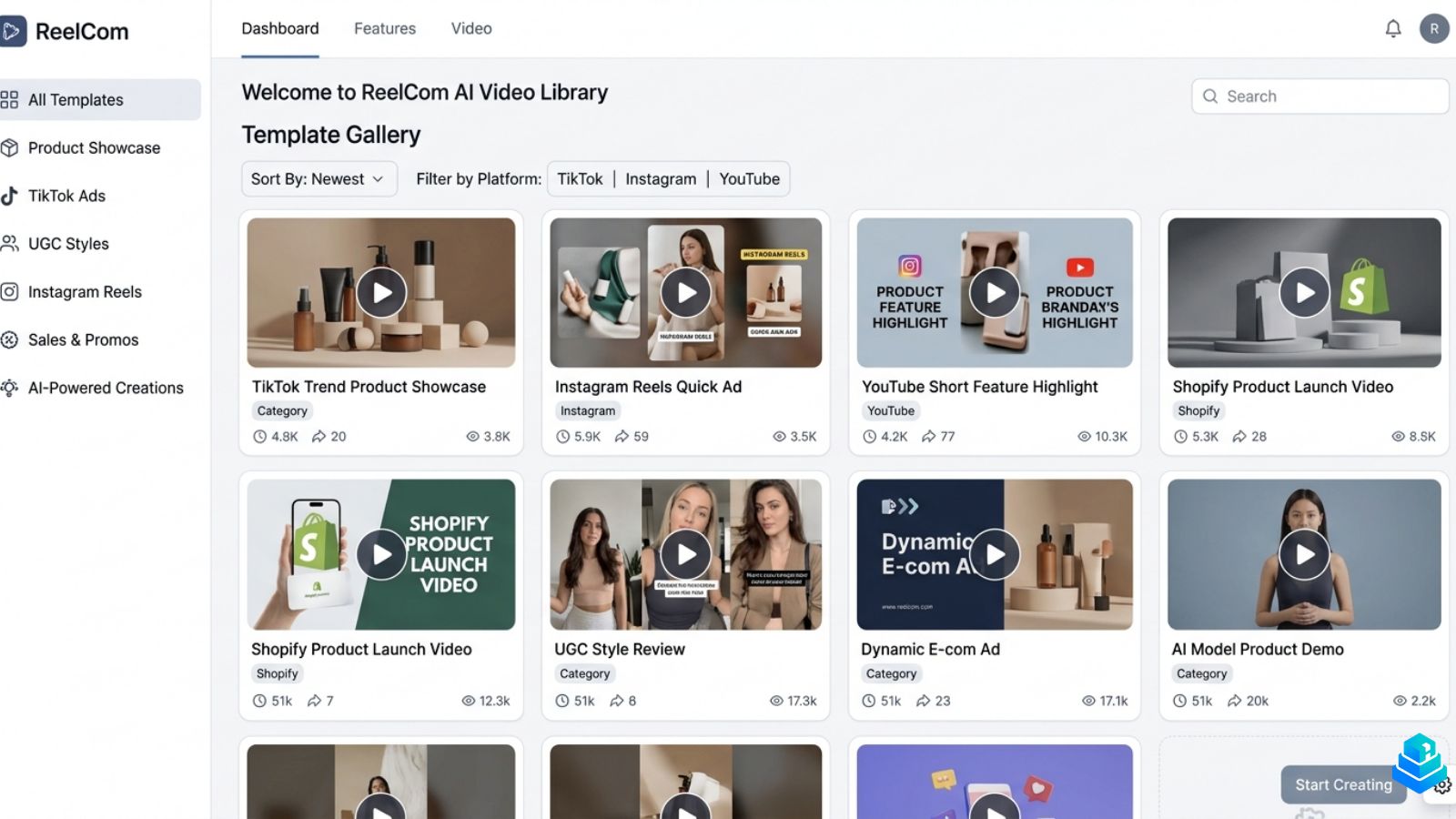
Turn product URLs, briefs, or scripts into short-form video drafts in minutes.
Ecommerce templates
Pre-built layouts shaped for Shopify product showcases, problem-solution ads, and UGC-style clips.
TikTok-style creatives
9:16 outputs with hook-first pacing, on-screen captions, and platform-native framing.
Branding controls
Apply brand colors, fonts, and logo assets across generated variants for consistency.
Multi-format exports
Render in 9:16, 1:1, and 4:5 for Meta, TikTok, and Shopify product pages.
Iteration workflow
Duplicate and tweak existing creatives quickly — built around testing variants, not one-offs.
Pricing overview
Holo AI uses a tiered subscription model, with plans typically structured around monthly credits or rendered minutes. Entry-level plans are designed for solo merchants and small Shopify stores, mid-tier plans are aimed at ecommerce brands producing creatives weekly, and higher tiers add team seats and additional export volume.
Pricing is in line with comparable AI video tools in the ecommerce category. It is not the cheapest option in the market — there are free editors like CapCut — but it is priced competitively against tools positioned around ad creative workflows specifically.
For current pricing details, refer to Holo AI's official website. Plans and limits change frequently in this category.
Who should use Holo AI?
Shopify beginners
Operators who need product videos but don't have an editor — Holo AI shortens the path from product page to ad-ready clip.
Dropshippers
Useful for testing multiple creative angles per product without commissioning custom video for each variant.
Ecommerce brands
A reasonable fit for in-house teams producing weekly creatives across Meta and TikTok with consistent branding.
Paid media buyers
Helpful for generating quick variant tests when iteration speed matters more than creative polish.
Agencies
Workable for first-pass creative drafts, though larger agencies will likely keep a real editor in their stack.
Creative teams
Less suitable if your team already runs a full production workflow in tools like Premiere or After Effects.
Pros and cons
What we liked
- Templates feel built for ecommerce, not generic marketing.
- Clean, focused dashboard with a short learning curve.
- Fast rendering makes variant testing realistic.
- Native ad formats (9:16, 1:1, 4:5) without manual resizing.
- Branding controls help maintain visual consistency.
Where it falls short
- Editing is intentionally simplified — limited fine control.
- Voiceover quality is recognizably synthetic in some accents.
- Template library is focused but smaller than generalist tools.
- Not suitable for advanced motion graphics or animation.
- Pricing is fair but not the cheapest option in the category.
Alternatives worth considering
Holo AI sits in a competitive category. Depending on your workflow, a few other tools are worth evaluating alongside it:
- Pictory — Stronger for long-form content repurposing (turning blog posts or webinars into shorter clips) than for short ecommerce ads.
- Canva — Generalist design and video tool. Easier to integrate into broader brand workflows but less specialized for ad creative iteration.
- InVideo — Larger template library, broader use cases. Less focused on ecommerce-specific ad formats.
- CapCut — Free, powerful, and widely used. Requires more manual editing but offers significantly more creative control.
For deeper comparisons, see our editorial guide on the best AI video tools for ecommerce and our upcoming breakdown of Holo AI vs Pictory.
Frequently asked questions
What is Holo AI used for?+
Holo AI is primarily used to generate short-form video creatives for ecommerce — product showcase videos, TikTok-style ads, and UGC-styled clips for Shopify and DTC brands. Most teams use it to produce ad variants at a pace that would be impractical with a manual editing workflow, while keeping output quality close to what a junior editor would deliver in CapCut.
Is Holo AI good for Shopify stores?+
Yes, particularly for stores that need to produce ad variants regularly. The templates and export formats are aligned with what Shopify merchants actually run on Meta and TikTok, and the workflow is built around iterating on creatives rather than producing isolated marketing videos. Smaller stores will also benefit from how little setup is required to ship the first video.
How does Holo AI compare to CapCut?+
CapCut offers more creative control and is free, but requires significantly more manual editing time. Holo AI trades fine-grained flexibility for speed, ecommerce-specific structure, and consistent branding across variants. Most teams we spoke with end up using both — Holo AI for fast variant production, CapCut for one-off creative polish.
Does Holo AI replace a video editor?+
Not entirely. It works well for fast variant production and ad-shaped outputs, but it is not a substitute for a full editing suite when you need detailed creative control, motion graphics, or animation. We recommend treating it as a complementary layer in a creative stack rather than a one-tool replacement.
Is Holo AI worth the price?+
For ecommerce teams producing creatives weekly, the time savings can justify the cost — especially if you're currently waiting on freelancers or producing nothing at all. For one-off projects, hobby stores, or teams with mature in-house editing workflows, free tools like CapCut may be enough on their own.
Can I use my own brand assets in Holo AI?+
Yes. Holo AI supports brand colors, fonts, and logo uploads, and applies them across generated variants so your output stays consistent with your existing brand system. Most teams will want to spend a few minutes configuring brand defaults early — it noticeably improves how cohesive the generated creatives feel.
Final verdict
Holo AI is a focused, well-built tool for a specific job: producing short-form ecommerce video creatives at a pace that matches modern paid social. It is not the most flexible editor on the market, and it does not try to be. What it does well is reduce the friction between "we need a new ad variant" and "we have one rendered."
For ecommerce teams prioritizing speed and creative iteration over deep editing control, Holo AI feels more practical than many broader AI video platforms — its narrower scope is precisely what makes it usable on a weekly creative cadence.
For larger teams with full production workflows in place, it likely sits as a complementary tool rather than a primary one. As with any software in this category, the right answer depends on your workflow — we recommend evaluating it directly against the alternatives, ideally with a real product and a real ad brief.
Continue your research on Holo AI
For the most current information on features, pricing, and plan limits, refer to Holo AI's official website. This review reflects our hands-on testing at the time of publication.
View The Workflow