
AI Video Ads for Ecommerce: A Realistic Guide to Modern Creative Workflows
AI video tools have become a normal part of the ecommerce creative stack. They are not magic, and they don’t replace creative strategy — but used carefully, they meaningfully change how Shopify and DTC teams produce, iterate on, and test short-form video ads.
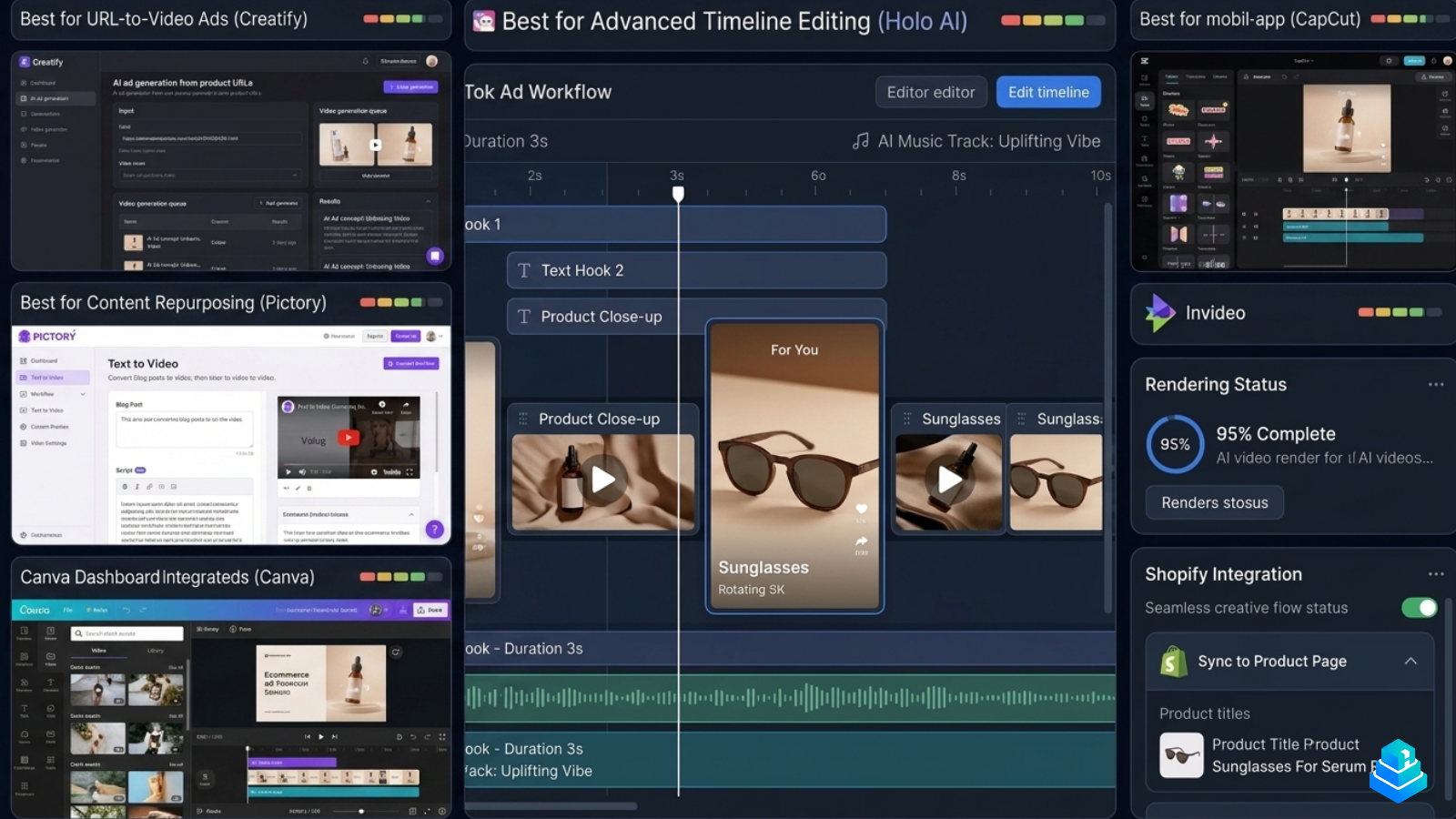
Ask ten ecommerce founders how they feel about AI video ads and you’ll get ten different answers. Some swear by them. Some tried one tool, generated something cringeworthy, and never returned. The truth sits somewhere in the middle: AI video tools are useful, but they reward teams that already understand creative strategy, not teams hoping a button will replace one.
This guide is written for ecommerce operators — Shopify brands, paid media buyers, agencies, and small creative teams — who want a realistic view of where AI video tools fit in a modern ad workflow. We’ll cover what they actually do well, where they fall short, and how the best teams structure their production process around them.
For tool-by-tool breakdowns, you can also read our editorial roundup of the best AI video tools for ecommerce.
Why ecommerce brands are shifting toward AI video ads
The shift didn’t happen because AI video looks cinematic. It happened because the economics of paid social changed. On TikTok, Meta Reels, and YouTube Shorts, creative fatigue is the dominant cost. A winning ad rarely lasts more than a few weeks before CPMs climb and CTR collapses. Teams have to keep shipping.
That’s the real pressure AI video tools relieve. Not “make a viral ad,” but “produce another ten variations of an angle that’s already working, by Friday.” When the cost of producing the eleventh variant of a hook drops from a half-day shoot to twenty minutes of editing, your testing cadence changes — and so does your ability to find what actually resonates.
The other driver is talent supply. Most small ecommerce brands cannot reliably source UGC creators, manage scripts, file deliverables, and hit weekly testing volume. AI video tools compress parts of that pipeline — voiceovers, B-roll, caption styling, talking-head avatars — into something a two-person team can manage.
The value of AI video isn’t replacing creative work. It is collapsing the time between a creative idea and a testable ad.
What AI video tools actually do well
Ignoring marketing claims and looking at what teams actually ship, AI video tools tend to be strongest in four areas.
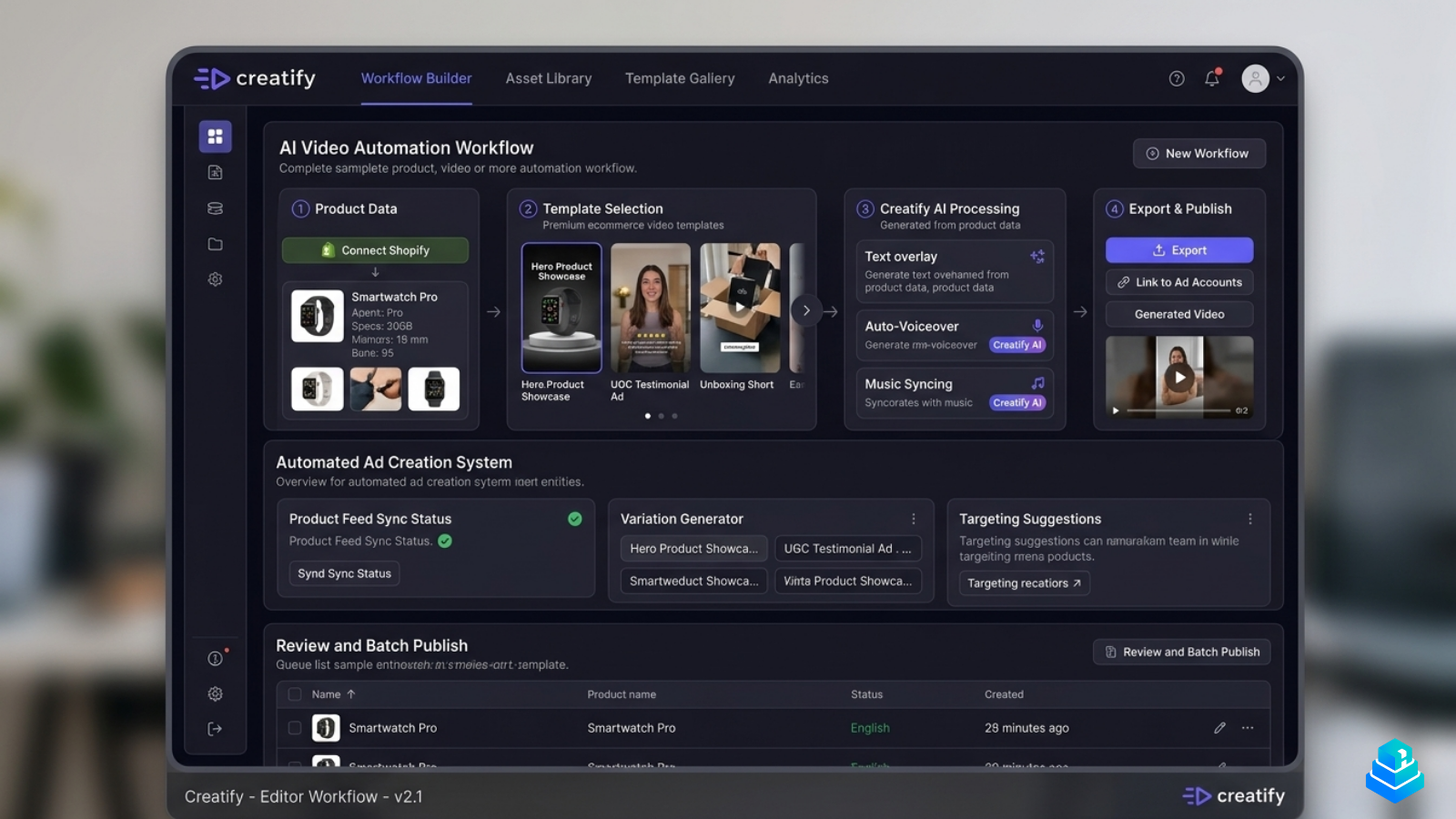
Script-to-video drafts. Tools like Creatify and Pictory can take a product description, a landing page, or a raw script and generate a workable first cut — voiceover, captions, stock footage, basic transitions. The output is rarely ad-ready, but it gives a creative strategist something to react to instead of staring at a blank timeline.
Hook iteration. Swapping the first 1.5 seconds of a video used to mean re-recording. Modern tools let you generate ten hook variants from a single base script in minutes, which is how most short-form testing actually works in 2026.
Avatar-led talking-head ads. AI avatars are not a substitute for great UGC, but they are a reasonable substitute for the kind of stiff, scripted talking-head ads brands used to film internally. For categories where the creator’s face isn’t the product (software, utilities, accessories), avatars hold up.
Localization and repurposing. Translating a proven ad into five languages, or cutting a long-form review into ten short clips, is where AI video tools genuinely save days of work per month.
Where AI video generation still struggles
The gap between demo reels and real ad accounts is still wide. These are the limitations we see most consistently across platforms.
Product fidelity. AI-generated B-roll of your product almost never matches the real SKU. Colors drift, packaging changes shape, logos warp. For physical products, AI video is best paired with real product footage, not used as a replacement.
Avatar uncanny valley. Avatars have improved, but viewers on TikTok have learned to spot them quickly. Performance often holds for utility-category ads but drops sharply in beauty, fashion, and food, where authenticity signals matter more.
Native short-form feel. AI tools tend to produce videos that look like ads. Real winning short-form creatives often look like content — messy lighting, imperfect framing, casual delivery. That texture is still hard to fake.
Compliance and IP risk. Stock libraries baked into AI tools sometimes include footage that platforms flag, and avatar voices can sound close enough to real people to cause issues. Brand safety review still belongs in the workflow.
TikTok-style workflows vs traditional video production
Traditional ecommerce video production assumed batches: a shoot day, a week of editing, a delivery of three or four hero assets. That cadence still exists for brand work, but it’s the wrong shape for paid social today.
The modern short-form workflow looks more like software development than filmmaking. Teams maintain a backlog of angles and hooks, ship small variants weekly, monitor performance for a few days, and feed insights back into the next round. AI tools fit naturally into that loop because they reduce the unit cost of a single creative iteration.
In practice, the production stack has split into three layers: raw capture (real UGC, product footage, screen recordings), assembly (CapCut, Premiere, or AI-assisted editors like Creatify and Holo AI), and iteration (hook swaps, caption tests, language variants). AI tools mostly live in the second and third layers.
Ecommerce creative iteration speed
The single biggest unlock from AI video tools is iteration speed. A team that used to ship 4–6 ad variants per week can realistically ship 20–30 once their workflow is tuned. That doesn’t mean 30 brilliant ads. It means 30 honest tests against a learning agenda.
The teams getting the most from this aren’t the ones chasing volume for its own sake. They’re the ones who isolate variables — same script, different hooks; same hook, different visuals; same visuals, different captions — and let the data tell them which lever moves performance.
That structured testing is also what keeps AI-generated work from feeling generic. When you test ten hooks against a real audience, the winners almost always sound more specific and more human than what the tool produced by default. The AI gives you a starting surface; iteration finds the edge.
UGC-style ads and AI workflows
UGC is still the highest-performing ad format for most DTC brands, and AI hasn’t changed that. What it has changed is how UGC gets edited and extended. A single 90-second creator video can now be:
- cut into 6–8 short-form variants in one afternoon,
- re-captioned and translated for additional markets,
- paired with AI voiceover for hook variants the creator didn’t record,
- stitched with product B-roll or screen recordings for clarity.
Pure AI-avatar UGC, on the other hand, is a more delicate call. It can work for utility products, software, and education-led ads, where a clear explanation matters more than an authentic face. For categories where trust comes from a real person’s recommendation, AI avatars usually underperform real creators.
The strongest workflows we’ve seen use AI to amplify real UGC, not to replace it.
AI video tools we tested
We’ve spent meaningful time inside each of the tools below. None of them is a complete creative stack on its own — in practice, most ecommerce teams use two or three in combination.
Holo AI
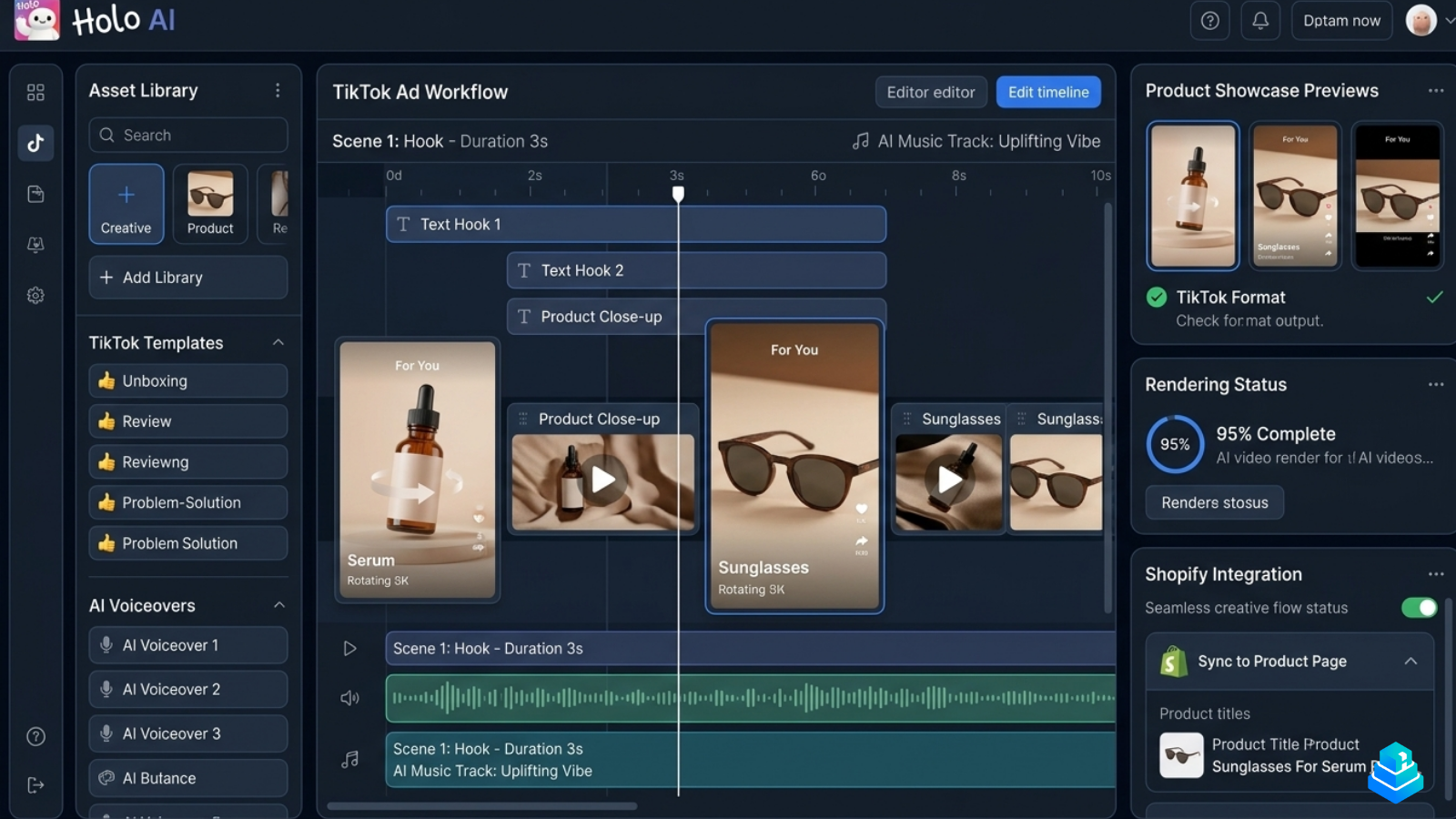
Holo AI is built around ecommerce creative iteration: hook testing, short-form ad variants, and TikTok-style outputs. It’s the most ad-aware of the tools we tested, and the workflow assumes you’re trying to ship many versions of an angle, not one polished video.
For a deeper breakdown, see our Holo AI editorial review and the side-by-side Holo AI vs Creatify comparison.
Creatify
Creatify is closer to a generalist AI video editor: paste a product URL or script, get a draft video with AI voiceover, avatar, captions, and stock B-roll. It’s a strong starting point for teams who don’t yet have a defined creative process and want to see what an AI-assisted draft looks like for their product.
CapCut
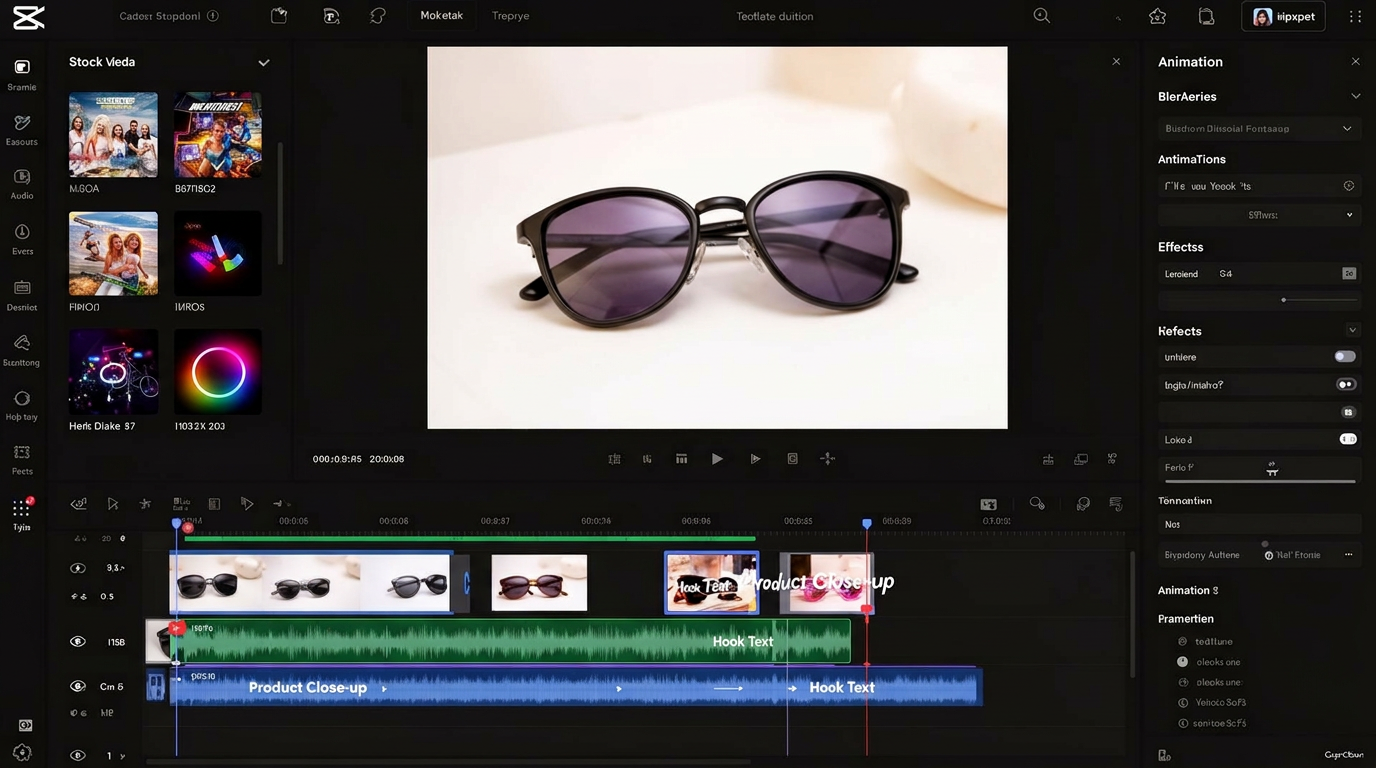
CapCut isn’t an AI-first tool, but it’s where most short-form ads still get finished. Its native short-form feel, free tier, and increasingly capable AI features (auto captions, background removal, voiceovers) make it the default final-assembly editor for most ecommerce teams.
Canva
Canva sits in a different category. It’s less about generating ads and more about producing supporting creative: static variants, motion graphics, thumbnails, and quick storyboards. For small teams without a dedicated designer, its AI features are a quiet productivity win.
Common mistakes brands make with AI video ads
The mistakes we see most often have less to do with the tools and more to do with how teams introduce them.
Treating AI output as final. Default AI-generated videos look like AI-generated videos. The teams who get results treat the first export as a draft, then edit for hook, pacing, and authenticity.
Skipping creative strategy. AI tools amplify whatever direction you give them. Without a clear angle, audience, and message hierarchy, you just get faster generic ads.
Over-relying on avatars. Avatars are useful in narrow contexts. Used as the default talent for every ad, they erode trust and depress performance.
Producing without a testing plan. Shipping 30 variants a week without a structured learning agenda just floods the ad account with noise. Iteration only compounds when each round answers a question.
Ignoring brand voice. Out-of-the-box AI voiceovers tend to sound like every other AI voiceover. A short style guide — tone, pacing, vocabulary — applied consistently makes a noticeable difference.
How ecommerce teams should realistically use AI video tools
A pragmatic AI video workflow for an ecommerce team usually looks something like this:
- Start with a clear creative brief: angle, audience, product benefit, and hook hypothesis.
- Capture or source raw assets — UGC, product B-roll, screen recordings — even when AI tools could technically replace them.
- Use an AI tool (Creatify, Holo AI, Pictory) to draft a base structure: script, voiceover, captions, rough cuts.
- Refine in CapCut or your editor of choice for pacing, hook timing, and authentic feel.
- Generate hook and caption variants in batch — this is where AI compounds.
- Ship into a structured testing framework, then feed the results back into the next brief.
The teams getting outsized results aren’t doing anything exotic. They’re using AI tools to remove the boring parts of production so they can spend more time on strategy and iteration — the parts AI still can’t do well.
Common questions
Editorial verdict
AI video ads for ecommerce are no longer a novelty — they’re a normal part of how serious DTC brands operate. But they’re also not a shortcut. The teams getting real results treat AI tools as a way to remove friction from their existing workflow, not as a replacement for creative judgment.
If you’re evaluating where to start, our recommendation is unchanged: pick one ad-focused tool (we lean toward Holo AI for short-form ecommerce creatives), keep CapCut for final assembly, and invest more in your testing process than in your tool stack. The compounding wins come from iteration, not generation.